The current version works on desktop, tablet and mobile. If it helps, support its evolution.
Support Lumiere Studio on Ko-fi

Photo studio planner for desktop, tablet and mobile

Build your set on desktop, adjust it on tablet or mobile, then share a clean plan in seconds.

Lumiere Studio now follows the real prep rhythm: full library when space allows, compact controls on set, and always the same scene, the same measurements and the same exports.

One appThe same scene works on desktop, tablet and mobile without splitting the product in two.
Collapsible libraryOn compact screens, open or hide the library to get the whole working area back.
Switchable plan / isoChoose which view should become the main workspace, then zoom with the wheel or a pinch gesture.
Measurements + exportsShow the key distances, copy the image, export PNG or PDF, and keep your custom presets.
Example of a photo studio plan with the library, a switchable main view and measurements in Lumiere Studio
Switchable main view, collapsible library on compact layouts, readable measurements and fast image output.
Dense desktopCompact tabletTouch mobilePNG / PDF

Three contexts, one logic

Desktop for broad prep, tablet and mobile for fast action without losing the thread.

The updated app keeps a wide workspace on desktop, then tightens the controls on touch screens with a collapsible library, pinch zoom and the key actions still within reach.

The result is not just a nice looking diagram. It is a readable stage plan that moves cleanly from prep to crew brief to on-set validation.

Dense desktopCompact tabletTouch mobileCollapsible libraryAuto measurements

What matters on set

The landing now describes the real app, not a generic promise.

You can search quickly, switch between plan and iso, verify the distances that matter, collapse the library on compact layouts and send a clean visual to the crew.

Adaptive workspace

Desktop gives you room to build, while tablet and mobile keep only the controls that matter when space gets tight.

DesktopTabletMobile

Immediate readability

Measure mode highlights subject, camera, backdrop and light distances while labels stay readable and the main view can flip from plan to iso.

MeasurementsPlan / IsoClear labels

Brief-ready output

Copying the image, downloading PNG, exporting PDF and keeping custom presets is now part of the actual workflow, not a hidden extra.

Copy imagePNG / PDFCustom presets

Screenshots

The current app, with its desktop, tablet and mobile logic already in place.

The screenshots show the real version: switchable main view, readable measurements, contrasted labels and a compact interface when space gets tighter.

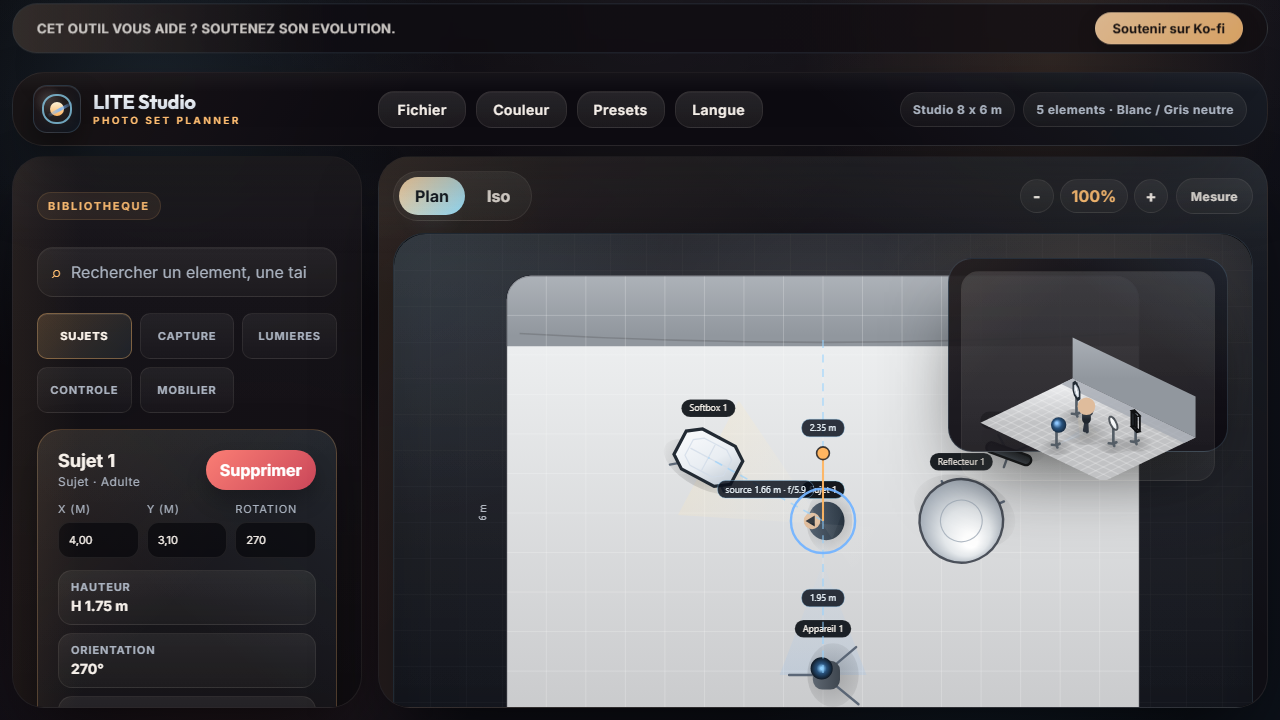
Portrait preset with key measurements and a switchable main view in Lumiere Studio
Portrait preset with the distances that matter, the right main view for the moment, and a clean output for the brief.
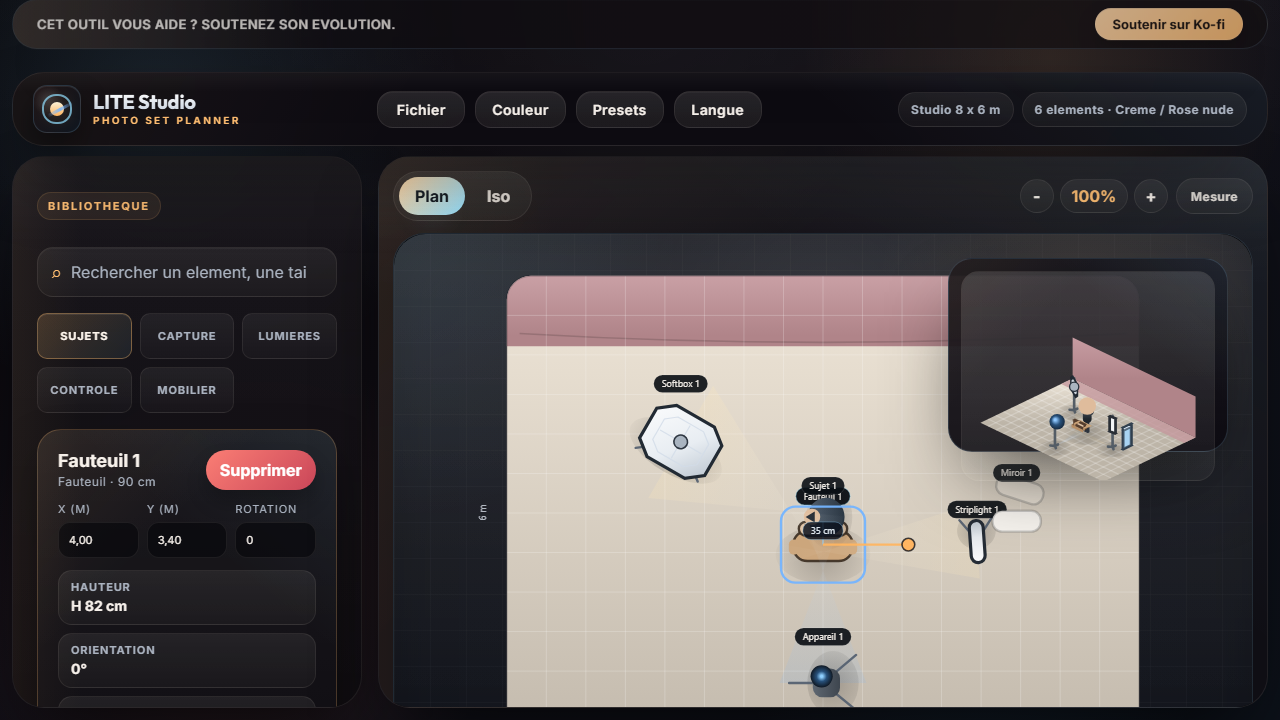
Boudoir preset with furniture, colored backdrop and the current Lumiere Studio interface
Boudoir preset with furniture, a colored backdrop and a compact logic that stays coherent on desktop and tablet.
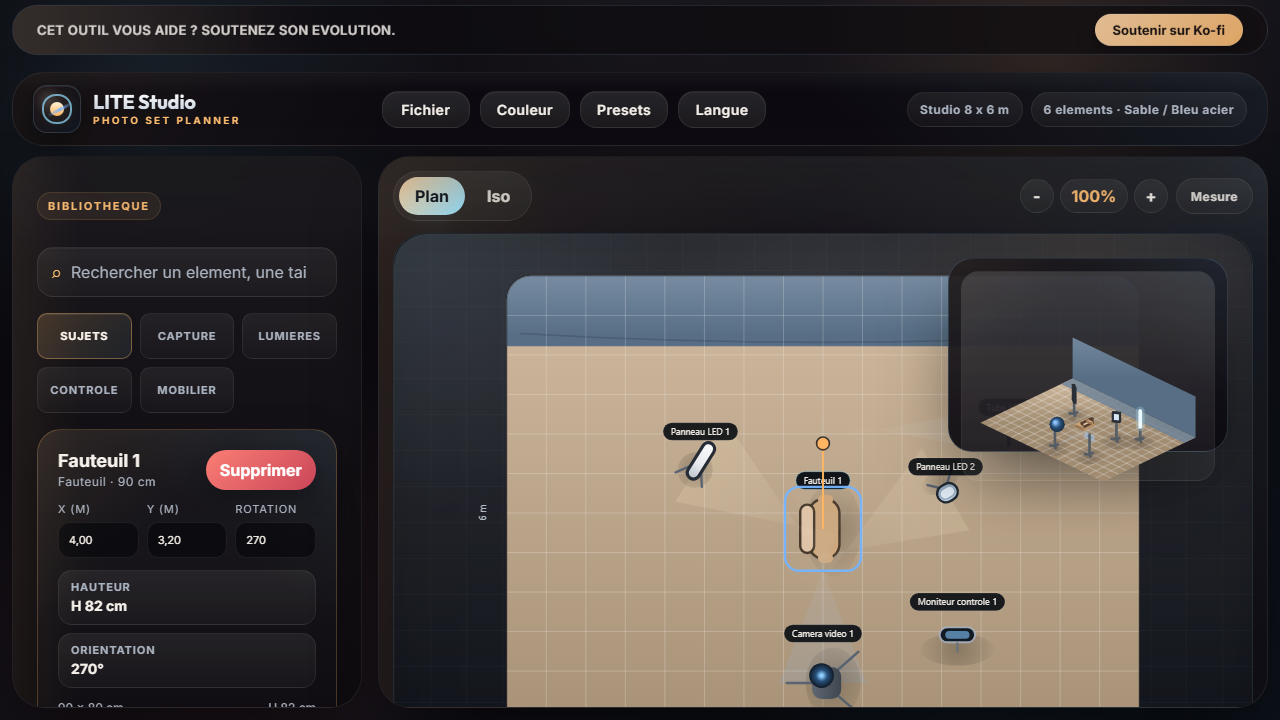
Interview preset with camera, LED panels and the current Lumiere Studio interface
Interview preset with a readable camera axis, LED panels, fast measurements and immediate export for the crew.

Practical guide

How to prepare a photo studio setup without losing context

A quick method to place the subject, camera and key light, then verify the distances that matter before sharing the plan.

  • Build a readable plan quickly
  • Switch between plan and iso without starting over

Read the guide

Preset library

Credible starting points, then personal variants you keep

Load a preset, adapt it to your stage, collapse the library when needed, then save your own version in the browser.

  • Portrait, boudoir, corporate, product and video
  • Base preset then custom variant

Explore presets

FAQ

The answers you need before you step on set

Desktop, tablet, mobile, collapsible library, plan/iso switching, measurements and image outputs are summarized here.

  • Check the distances that matter on set
  • Copy a clean image or download a PNG

Open the FAQ

Ready to test the current version

Load a preset, collapse the library if needed and let the right view lead your scene.

Desktop, tablet or mobile: the same app keeps your presets, your distances and your image outputs without changing workflow halfway through.

SEO pages

Three focused pages built for very specific searches.

These pages answer a clear intent, then send visitors straight into the app with the right preset loaded.

Portrait lighting diagram

A studio portrait base with a 45 degree key light, useful measurements and clean PDF export.

Interview lighting diagram

A clear video studio setup with camera subject distance, LED panels and quick export for the crew brief.